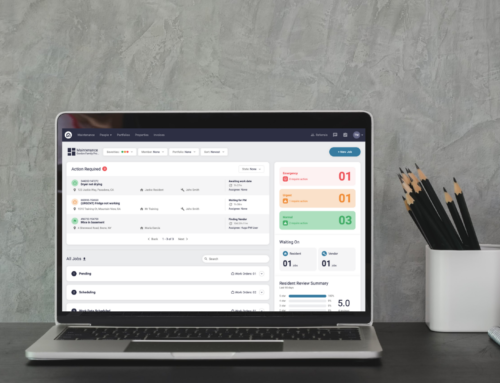
Objective
If you do not use a system integration then you must adjust your process to update Latchel when adding new properties or disabling a property if it is no longer serviced by your company. You can update your properties in your Latchel portal.
Once you add your properties, you can then add and modify residents directly from the property profile. Please click here for a guide on how to add and manage residents.
Content
Video Overview
Step-by-Step Guide
How to Add Properties
Step 1. Log in to Latchel
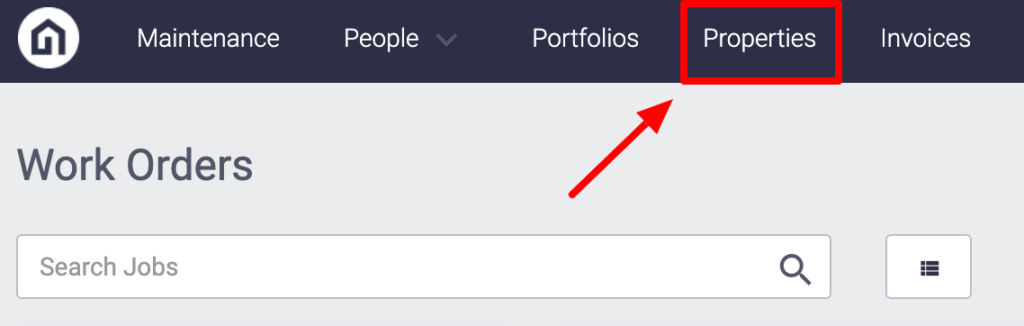
Step 2. On the upper left-hand side of your dashboard click Properties
Step 3. On the upper right-hand side of the screen click New Property

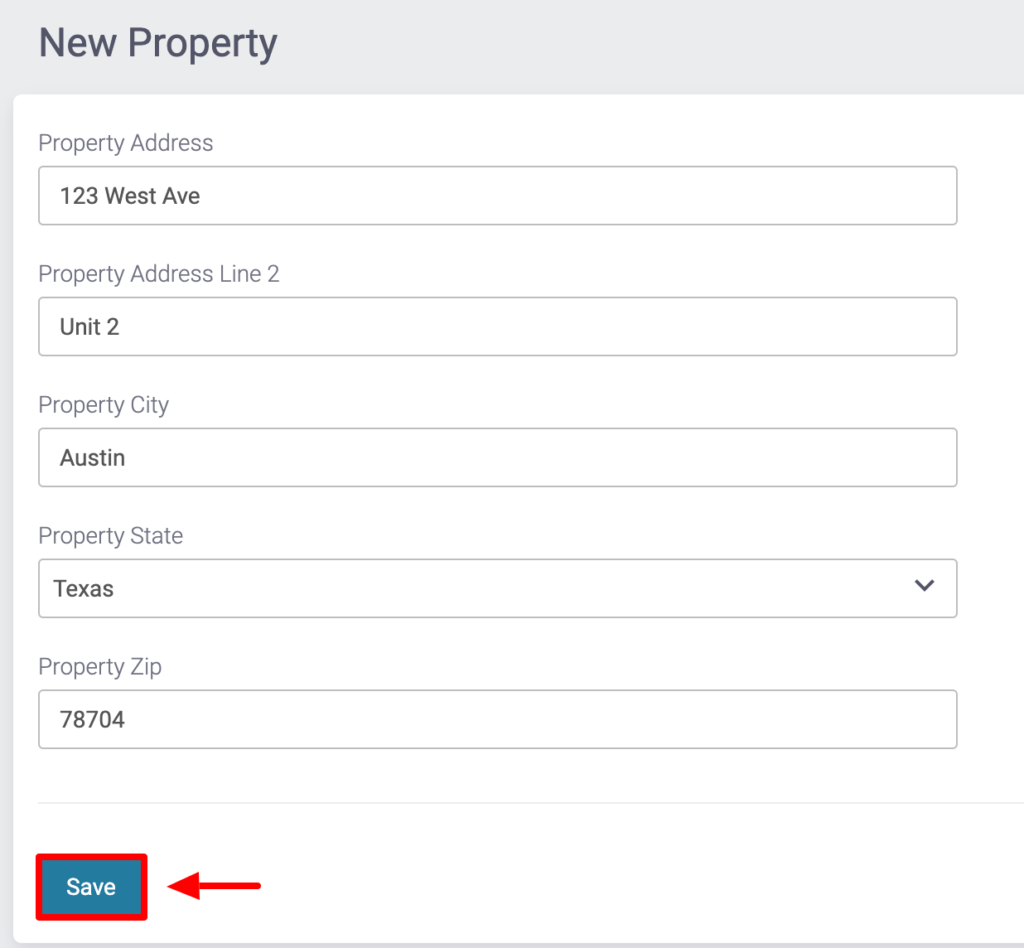
Step 4. Enter the property details & click Save!
How to Disable Properties
Step 1. Log in to Latchel
Step 2. On the upper left-hand side of your dashboard click Properties
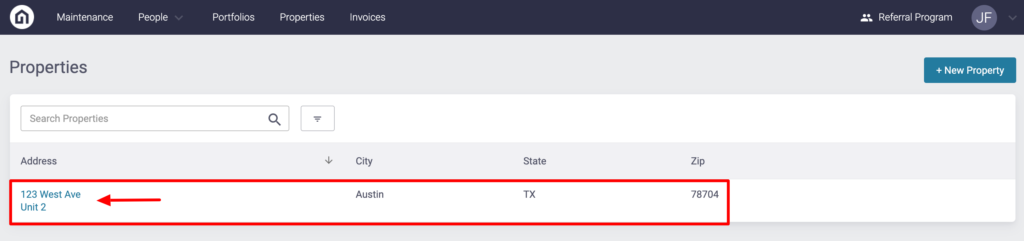
Step 3. Search for the property and click it
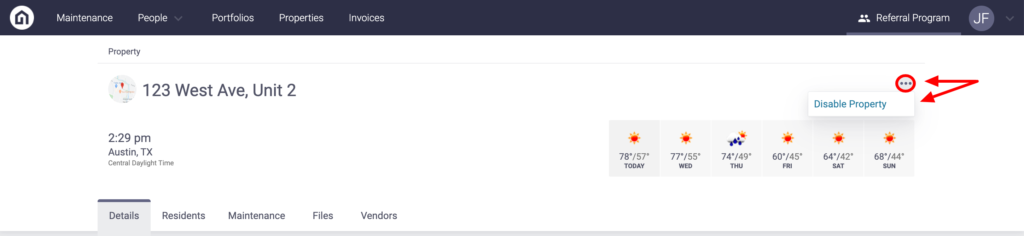
Step 4. On the upper right-hand side click the 3 horizontal dots, select Disable Property
If you are needing further assistance, feel free to email an updated .csv export every month to success@latchel.com to keep us updated.