Step-By-Step Guide
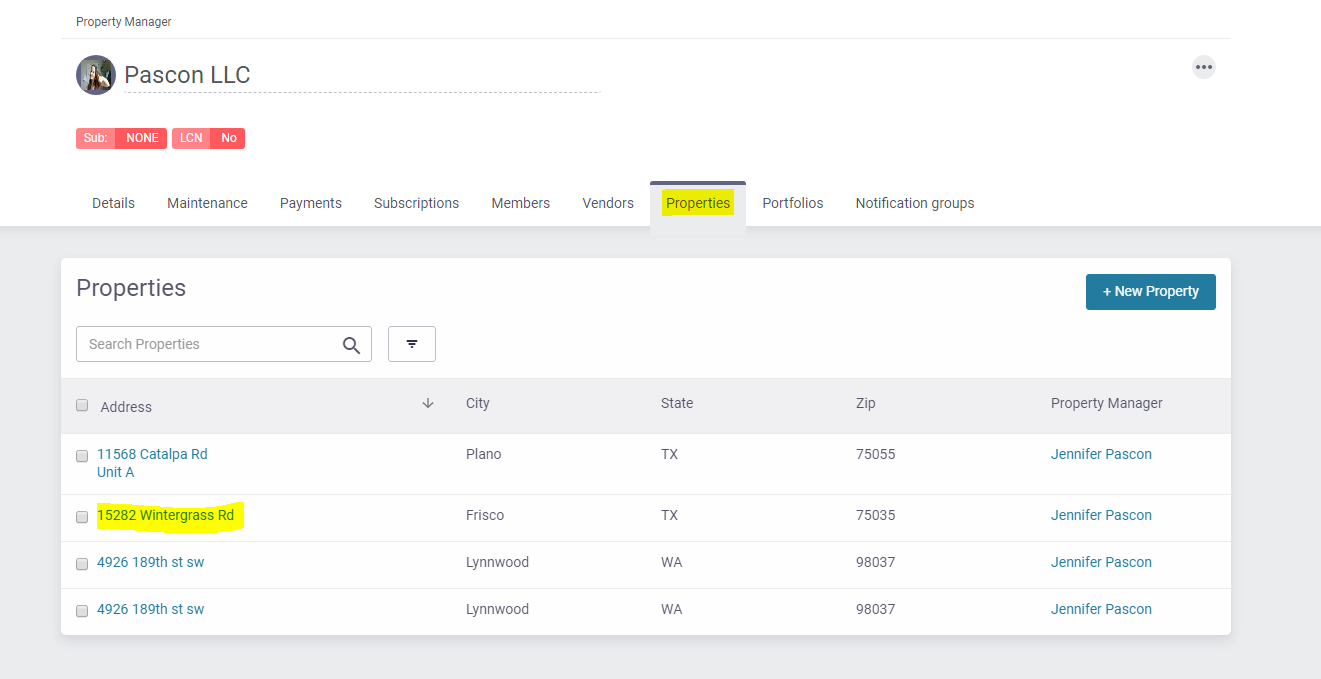
- Go to the Properties tab and click on the property address
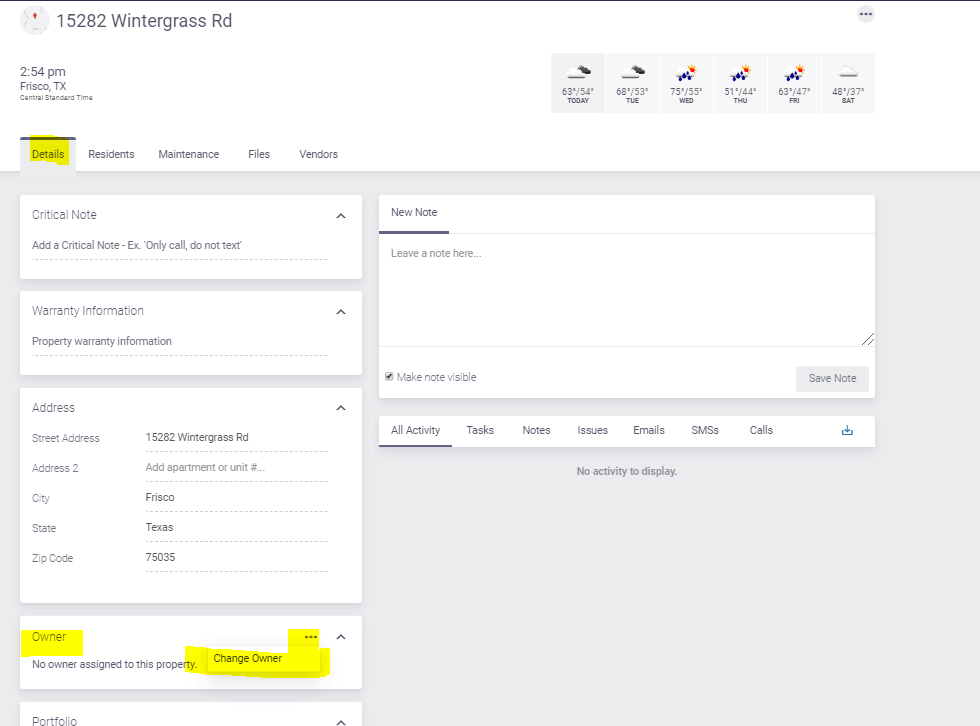
- In the Property Details tab, scroll down to the “Owner” section, click on the three dots to open the menu with the option to “Change Owner“. Click on it.
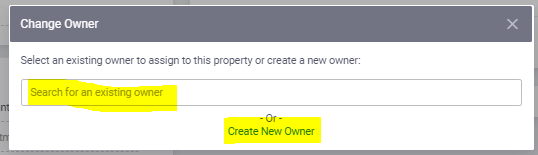
- You will be asked to either “select an existing owner” or to “Create New Owner“.
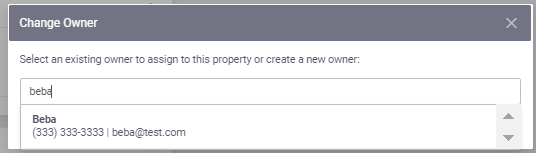
- If the owner is already in the system, type their name and you will see their information showing up on the search bar. Click on it
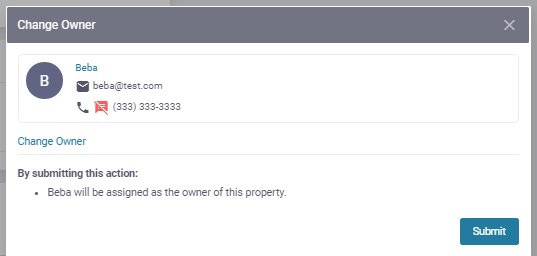
- Verify the information and click on “Submit“
- If the owner is not in the system, click on “Create New Owner”
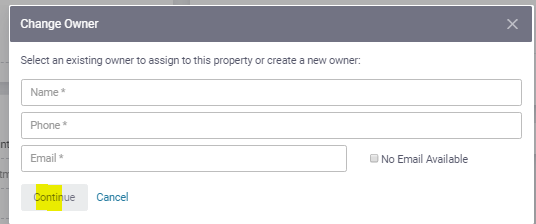
- Enter the owner name and contact information and click on “Continue”
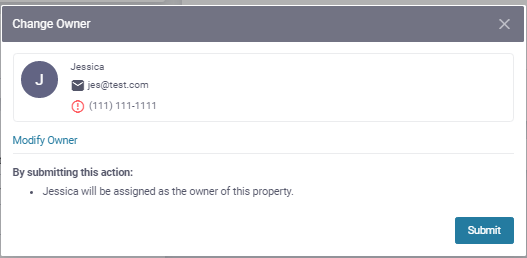
- A confirmation screen will be displayed. Verify the information and click on “Submit”
- If the owner is already in the system, type their name and you will see their information showing up on the search bar. Click on it
- Review this guide to set up owner communication settings.