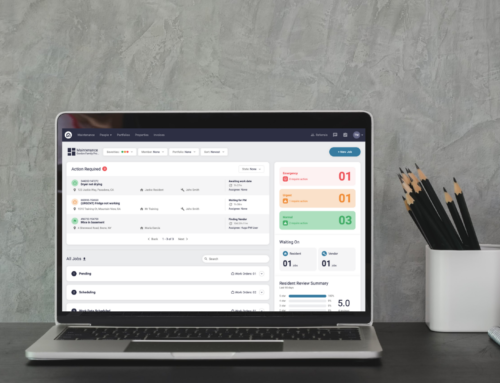
Latchel creates tasks when an action is required to move a job forward. Alternatively, tasks can be created by you and are for you and your team to manage action items. In this guide, we’ll review how to complete a task, and as a result, remove it from the Task Bar in your Latchel portal.
Content
- Objective
- Content
- Step-By-Step Guide
How to Complete a Task
You can access open tasks from the Task Bar located on the right-hand side of your portal or directly from the job page. Please note, completed tasks will continue to live on the job page, however, they will no longer be visible in the Task Bar.
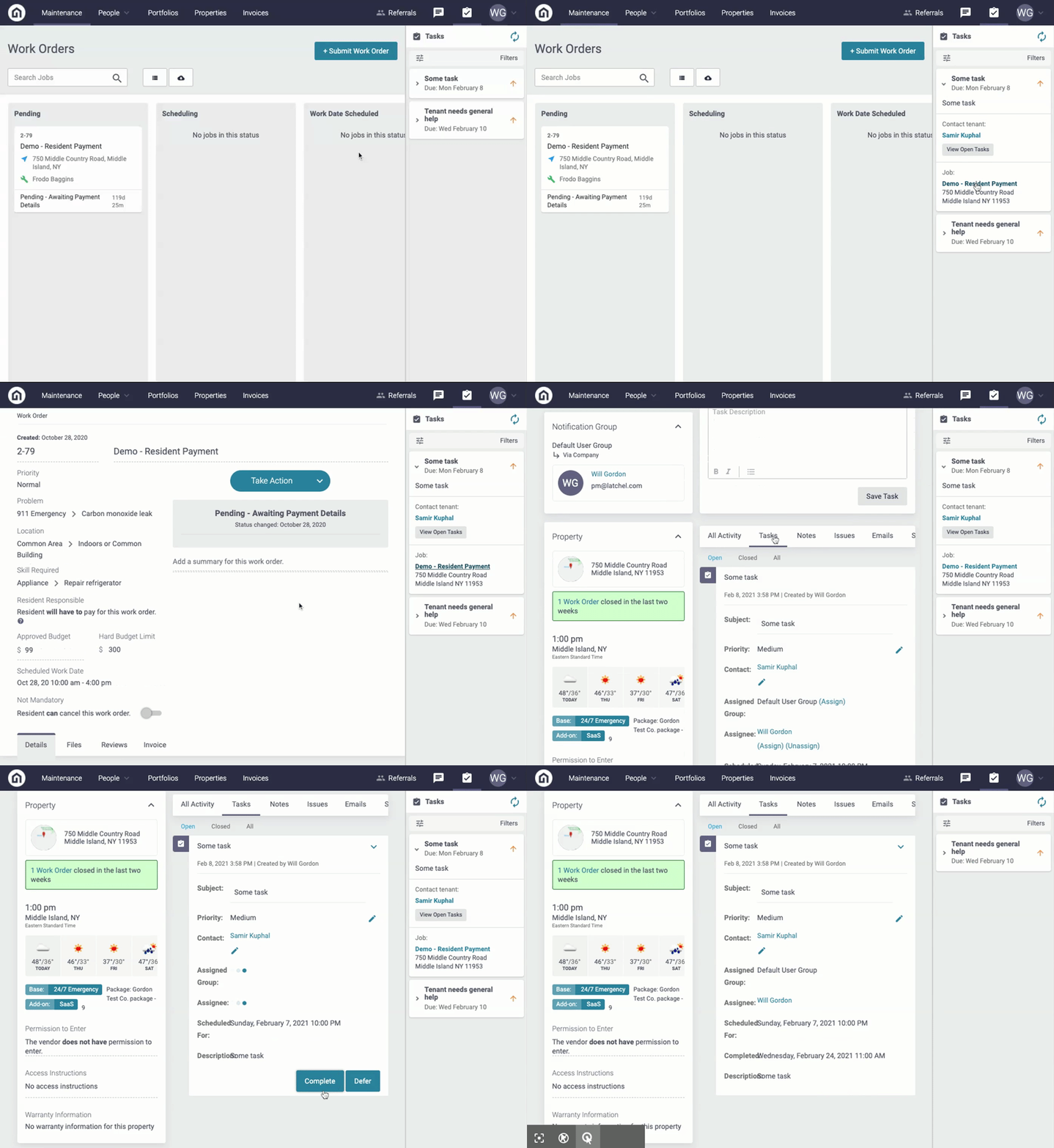
Step 1. From the Task Bar, click on a task to expand the details.
Step 2. Click on the hyperlink job title to be taken to the job page in Latchel.
Step 3. Click on the Tasks tab from the job activity navigation bar.
Step 4. Locate the task and click the Complete button.