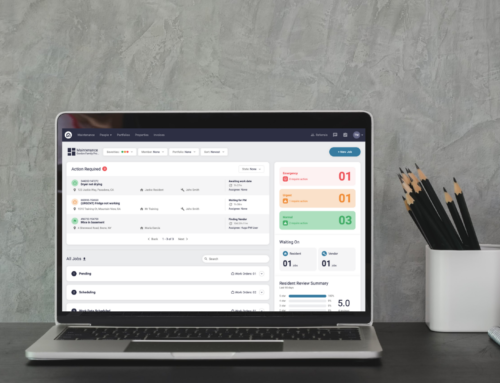
You may add multiple people to your Latchel account. All account members (or users) will be able to login to the Latchel portal to see work order statuses. This guide will walk you through how to add a new user to your account.
Content
- Objective
- Content
- Step-by-Step Guide
Step-by-Step Guide
Step 1. Log in to Latchel.
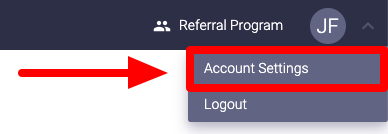
Step 2. Click on your initials or profile picture in the upper right-hand corner of the dashboard, select Account Settings.
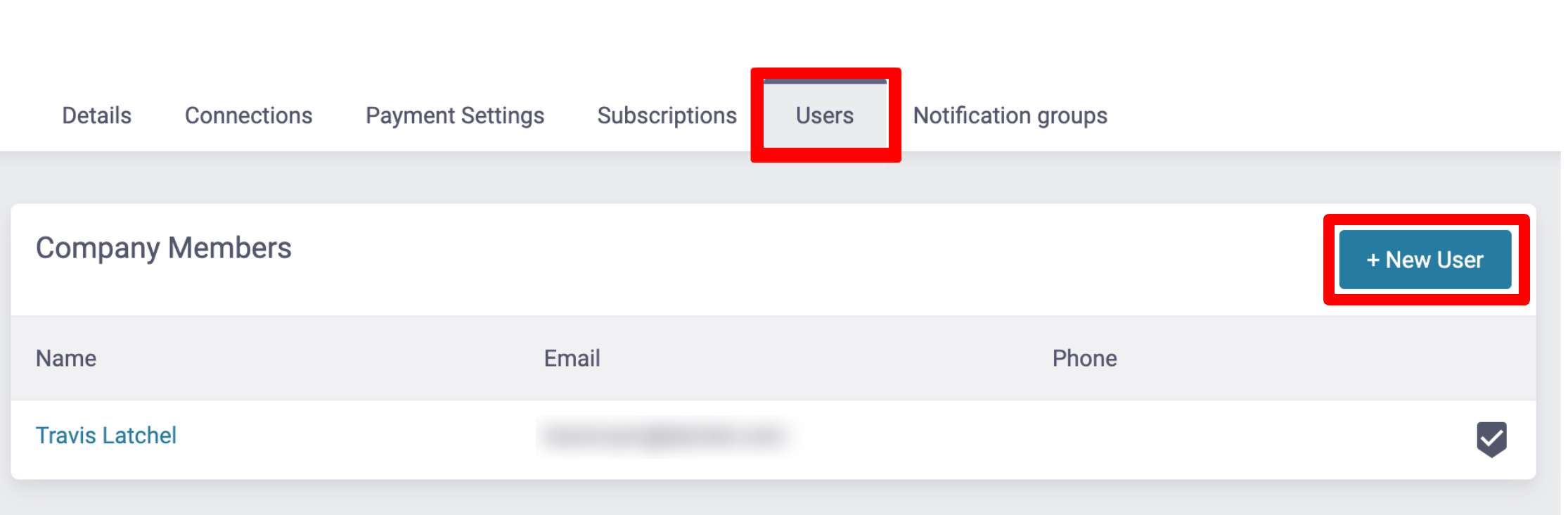
Step 3. Click on the Users tab, then + New User.
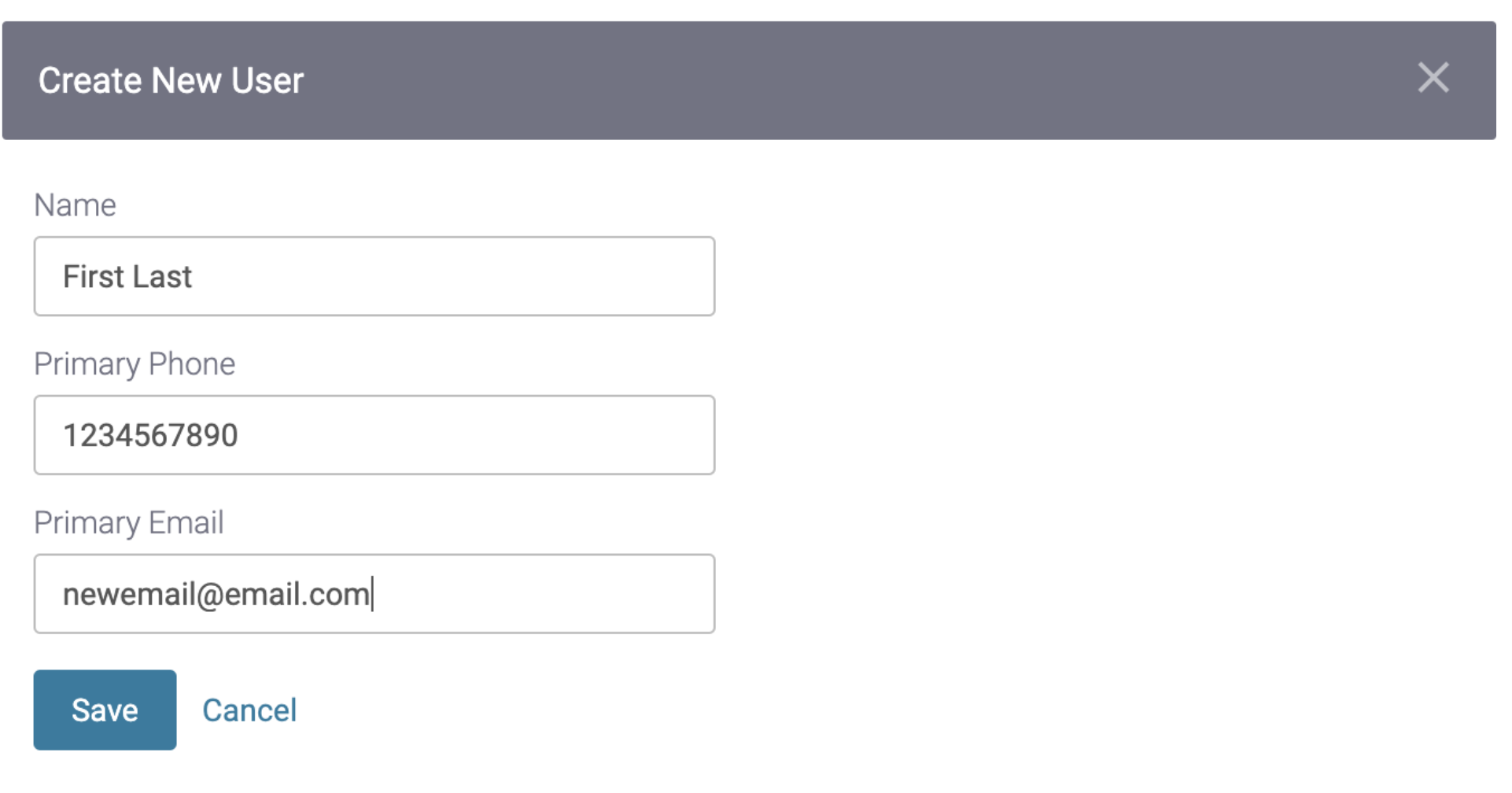
Step 4. Add the new user’s name, phone number, and email. Then click Save.
Please note: Users must have unique email addresses. If the user’s email is already in Latchel, you will receive an error message when you try to save.
Step 5. Latchel automatically sends the new user an email prompting them to create a password for secure access.