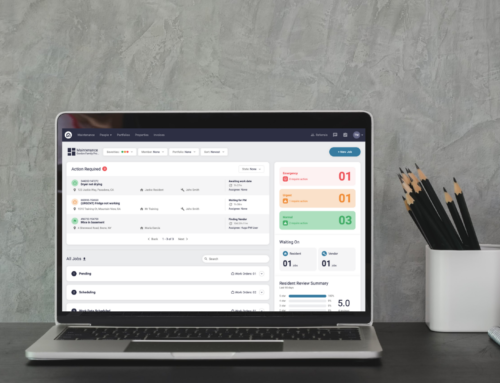
In this guide, you’ll learn how to hide the Task Bar positioned on the right-hand side of your Latchel portal.
Content
- Objective
- Content
- Step-by-Step Guide
Step-by-Step Guide
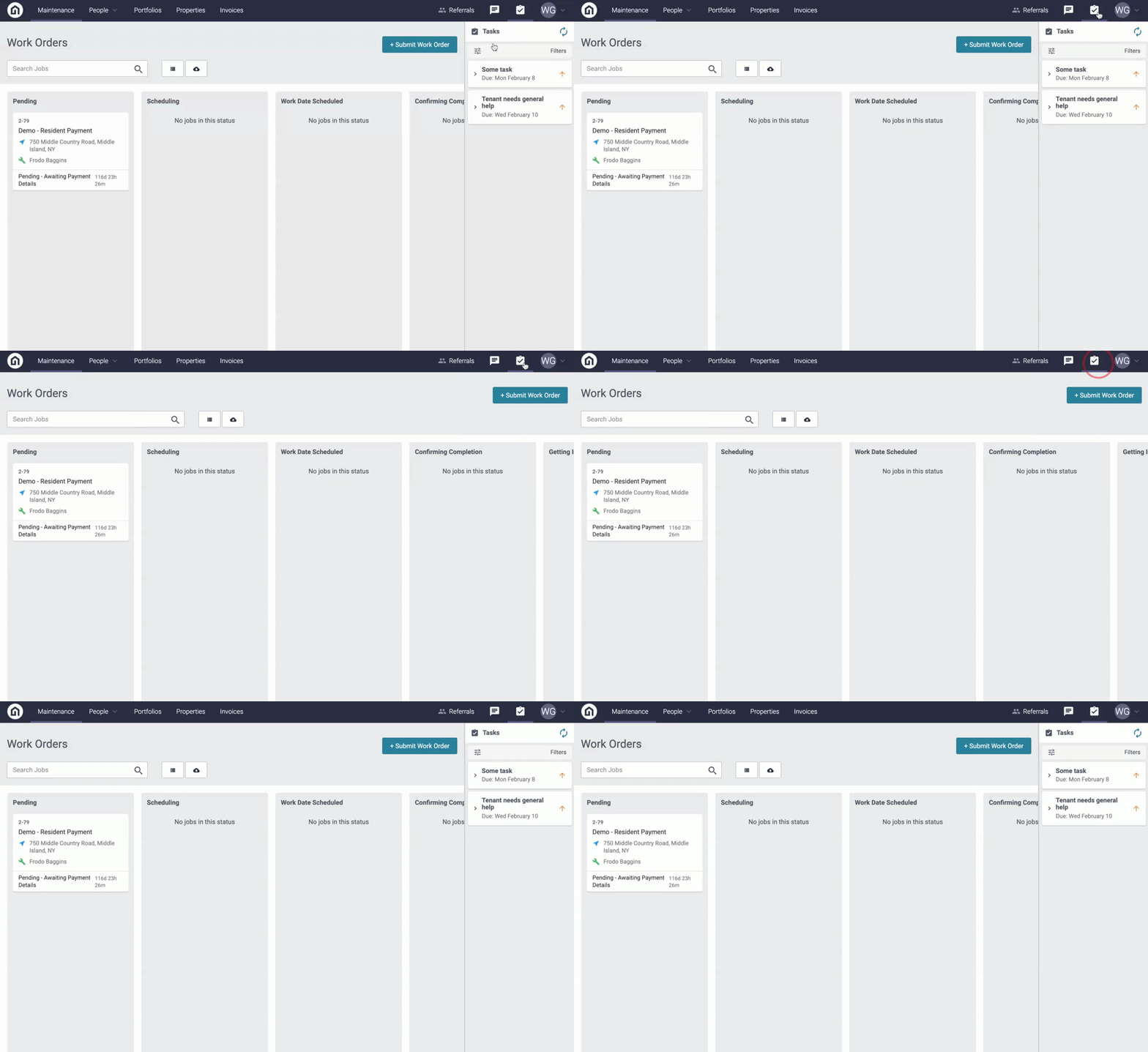
Step 1. Log into your Latchel portal.
Step 2. From any page in the portal, click the task icon located at the top right-hand side of your screen. Clicking this will hide or expand the Task Bar.