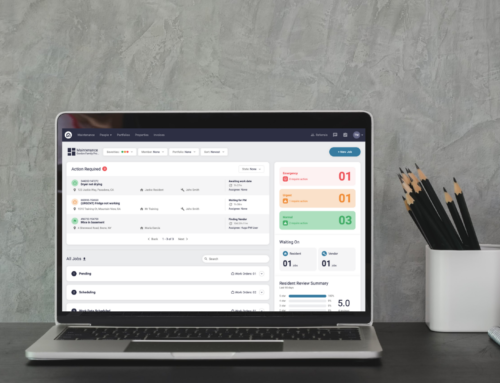
Please Note: All canceled requests will move to the canceled column in Latchel from any active or pending statuses. All tasks and work will cease for this job immediately.
Content
- Objective
- Content
- Step-by-Step Guide
Step-by-Step Guide
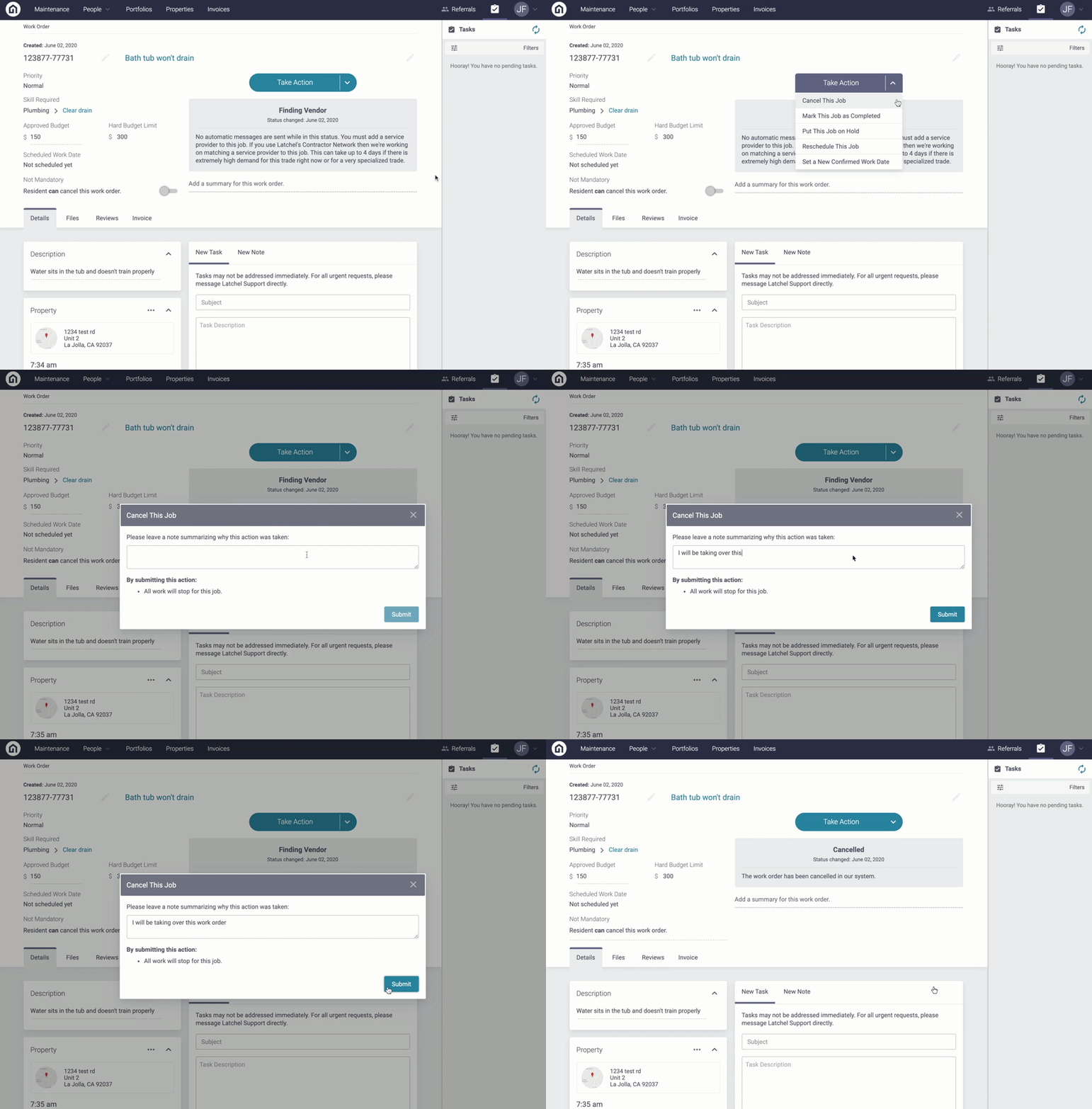
Step 1). From the work order page in your portal, select the Take Action Button
Step 2). Click Cancel This Job
Step 3). Provide context which will be logged on the work order, and click Submit