Content
How to Access Call Logs
Step 1. Log in to Latchel
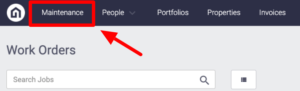
Step 2. On the upper left-hand side of your dashboard click Maintenace
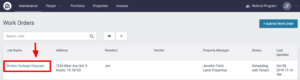
Step 3. Search for the job and click on the work order
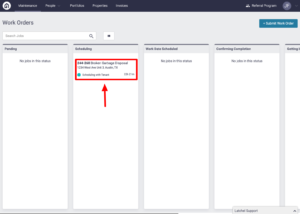
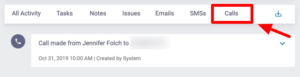
Step 4. Click on the Calls menu in the work order log. From here, you can see a log of all calls made for a work order.
How to Read Call Logs
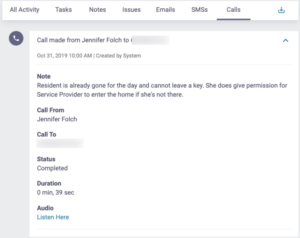
Step 1. To open each call log and the details, click the dropdown on the right-hand side of the call.
This will include notes made during the call, who made the call, who was called, duration of the call, and a link to the call recording. The notes left by the Latchel team in the call log will also show up in the “All Activity” menu in the work order log.